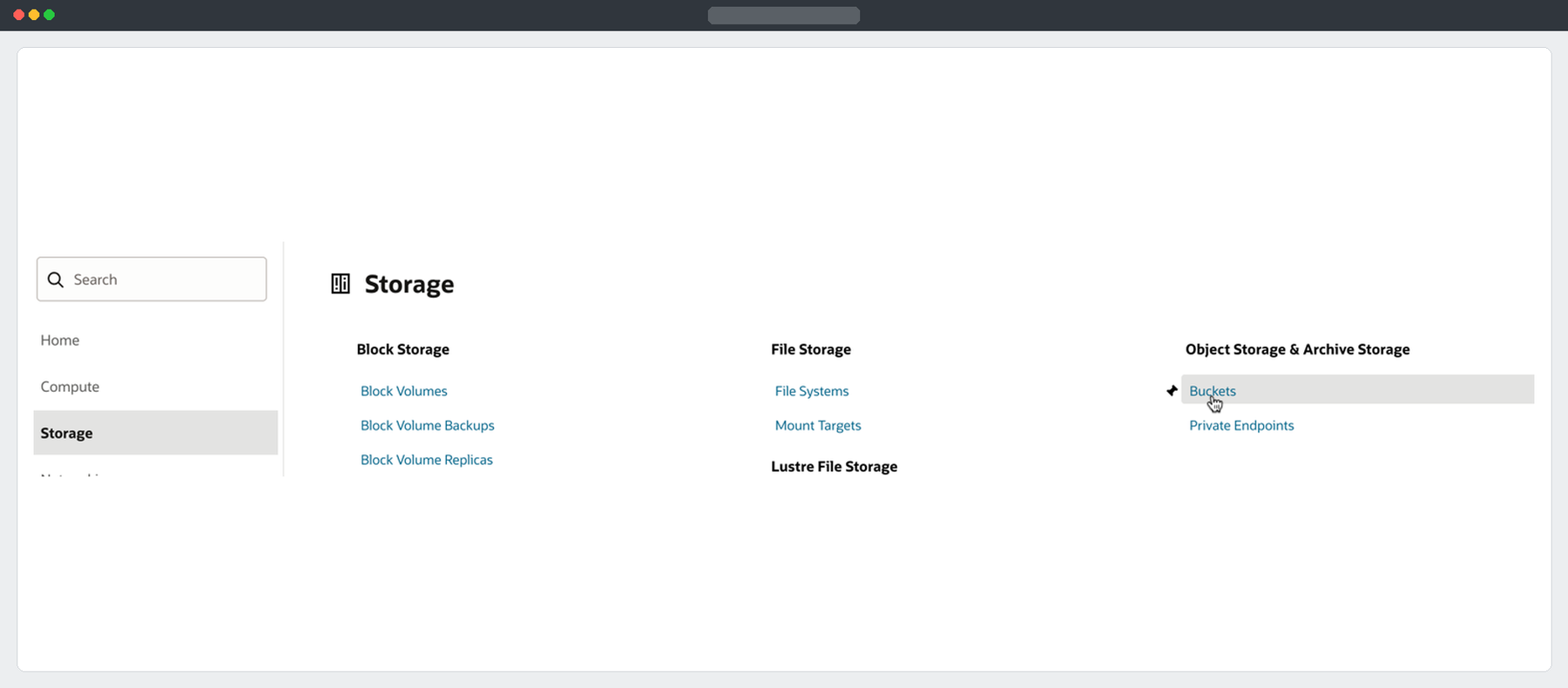
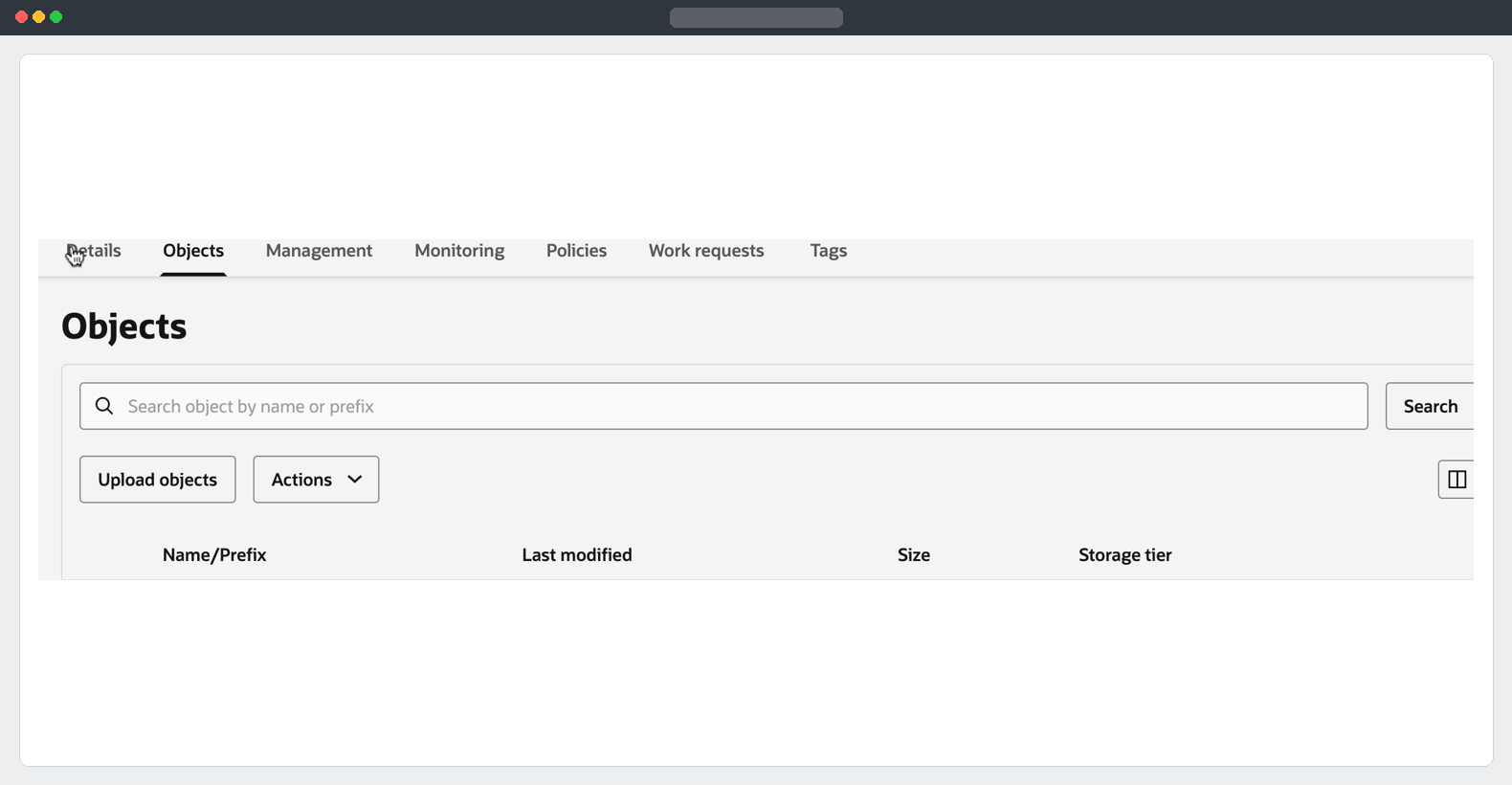
The source ADW can write to its Object Storage bucket. In this part I run a schema-mode Data Pump export from Database Actions straight to commercial Object Storage, then verify the job, the bucket objects and the export log.
Start the export
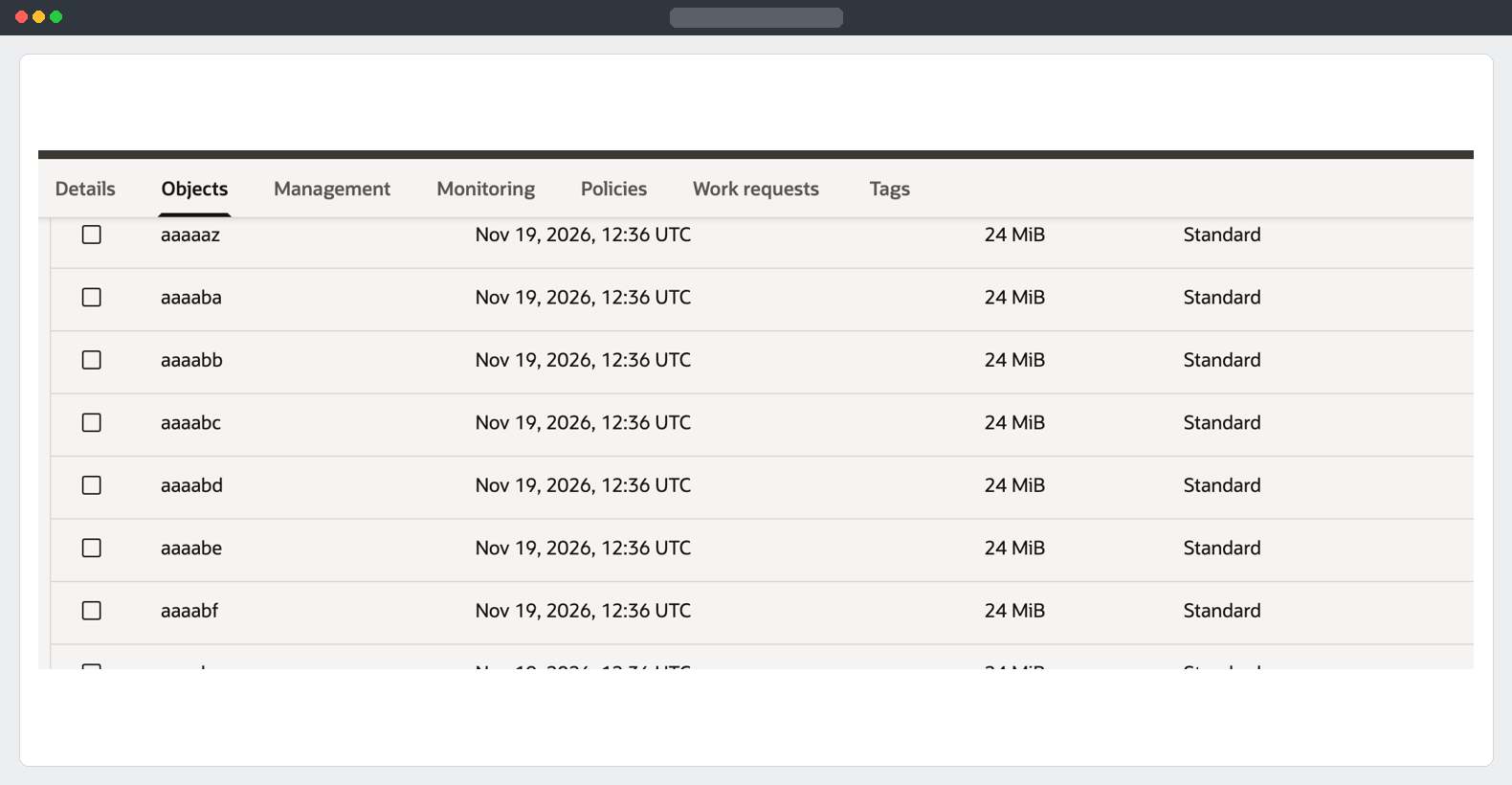
Run the full block as a script in the source ADW worksheet. Replace the URI, owner list and NULL password declaration. Use a fresh job name and fresh filenames for each migration. The fixed dump name and degree of one request a single logical dump part. OCI may still store that part as a marker plus segments.
DECLARE
  l_job NUMBER;
  l_password CONSTANT VARCHAR2(128) := NULL;
  l_dump_uri CONSTANT VARCHAR2(1024) :=
    'SOURCE_BUCKET_OBJECT_URI/adw_schema_export_02.dmp';
BEGIN
  IF l_password IS NULL THEN
    RAISE_APPLICATION_ERROR(-20001, 'Set the dump encryption password.');
  END IF;

  l_job := DBMS_DATAPUMP.OPEN(
    operation => 'EXPORT',
    job_mode  => 'SCHEMA',
    job_name  => 'ADW_SCHEMA_EXPORT_02'
  );

  DBMS_DATAPUMP.METADATA_FILTER(
    l_job, 'SCHEMA_EXPR', q'[IN ('APP_SCHEMA_1','APP_SCHEMA_2')]'
  );
  DBMS_DATAPUMP.ADD_FILE(
    l_job, l_dump_uri, 'ADW_EXPORT_OBJSTORE',
    filetype => DBMS_DATAPUMP.KU$_FILE_TYPE_URIDUMP_FILE
  );
  DBMS_DATAPUMP.ADD_FILE(
    l_job, 'adw_schema_export_02.log', 'DATA_PUMP_DIR',
    filetype => DBMS_DATAPUMP.KU$_FILE_TYPE_LOG_FILE
  );

  DBMS_DATAPUMP.SET_PARALLEL(l_job, 1);
  DBMS_DATAPUMP.SET_PARAMETER(l_job, 'ENCRYPTION', 'ALL');
  DBMS_DATAPUMP.SET_PARAMETER(l_job, 'ENCRYPTION_MODE', 'PASSWORD');
  DBMS_DATAPUMP.SET_PARAMETER(l_job, 'ENCRYPTION_PASSWORD', l_password);
  DBMS_DATAPUMP.SET_PARAMETER(l_job, 'LOGTIME', 'ALL');
  DBMS_DATAPUMP.SET_PARAMETER(l_job, 'METRICS', 1);
  DBMS_DATAPUMP.START_JOB(l_job);
  DBMS_DATAPUMP.DETACH(l_job);
END;
/
Detaching lets the export continue in the database after the worksheet returns. Schema mode limits the metadata to your selected owners. Writing the dump straight to Object Storage reduces space needed in DATA_PUMP_DIR.
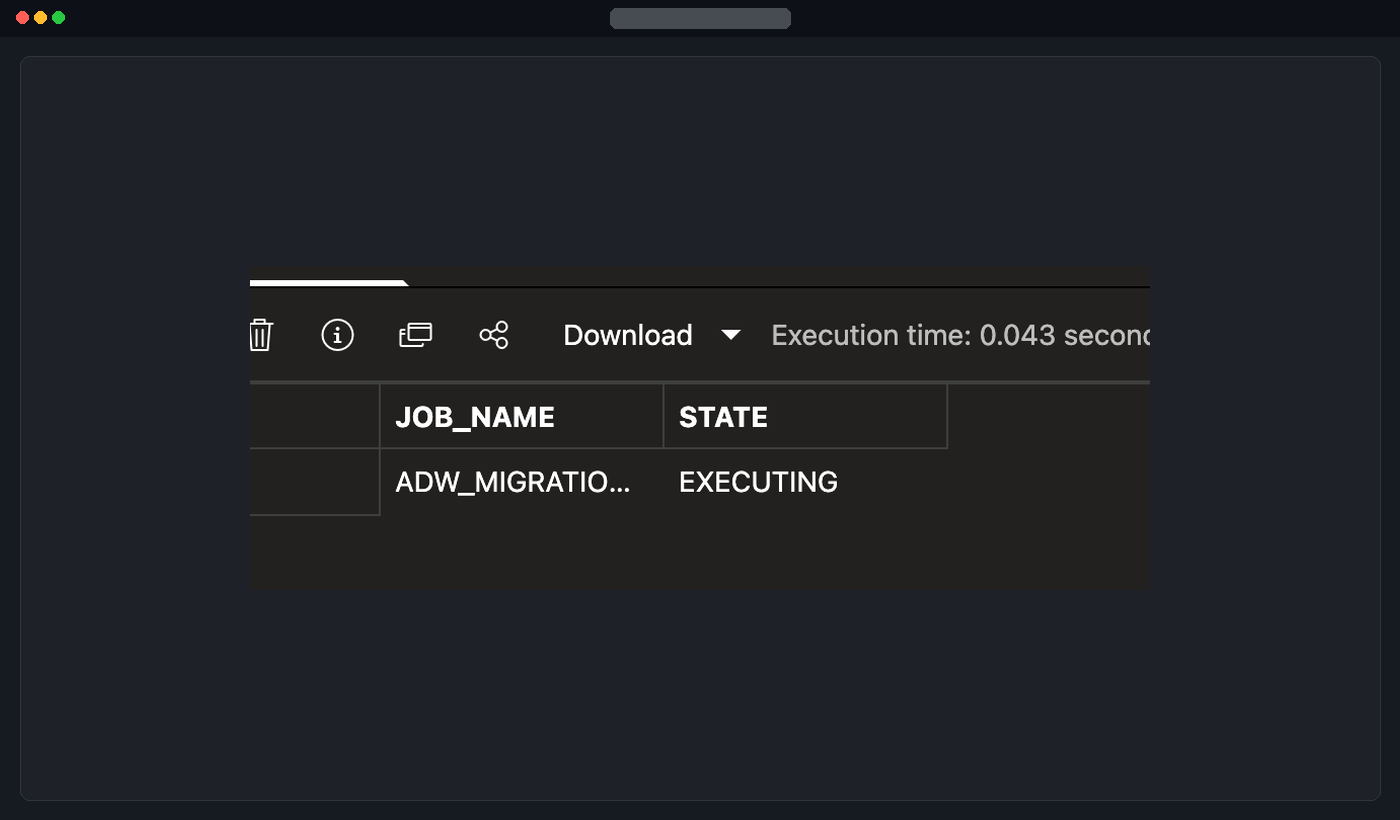
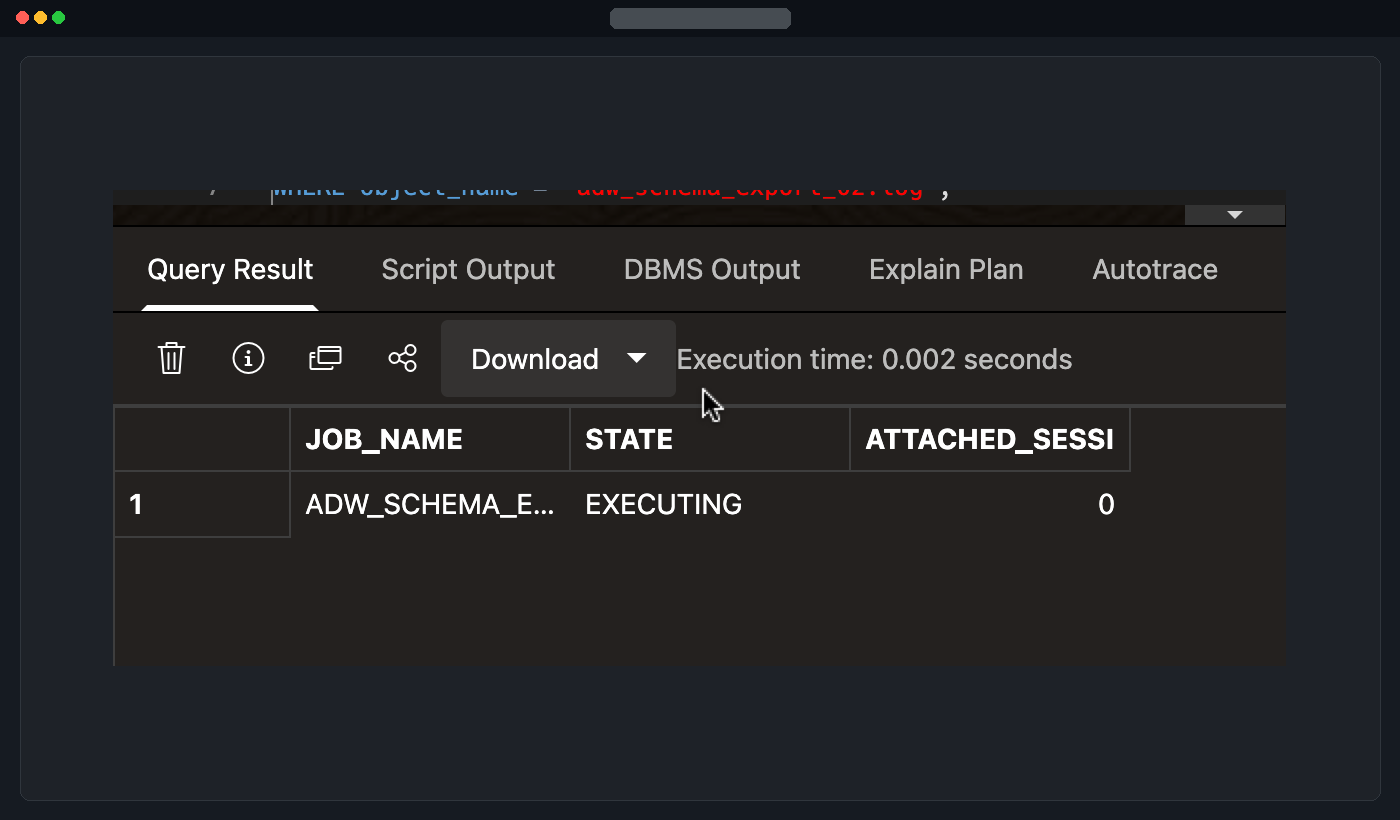
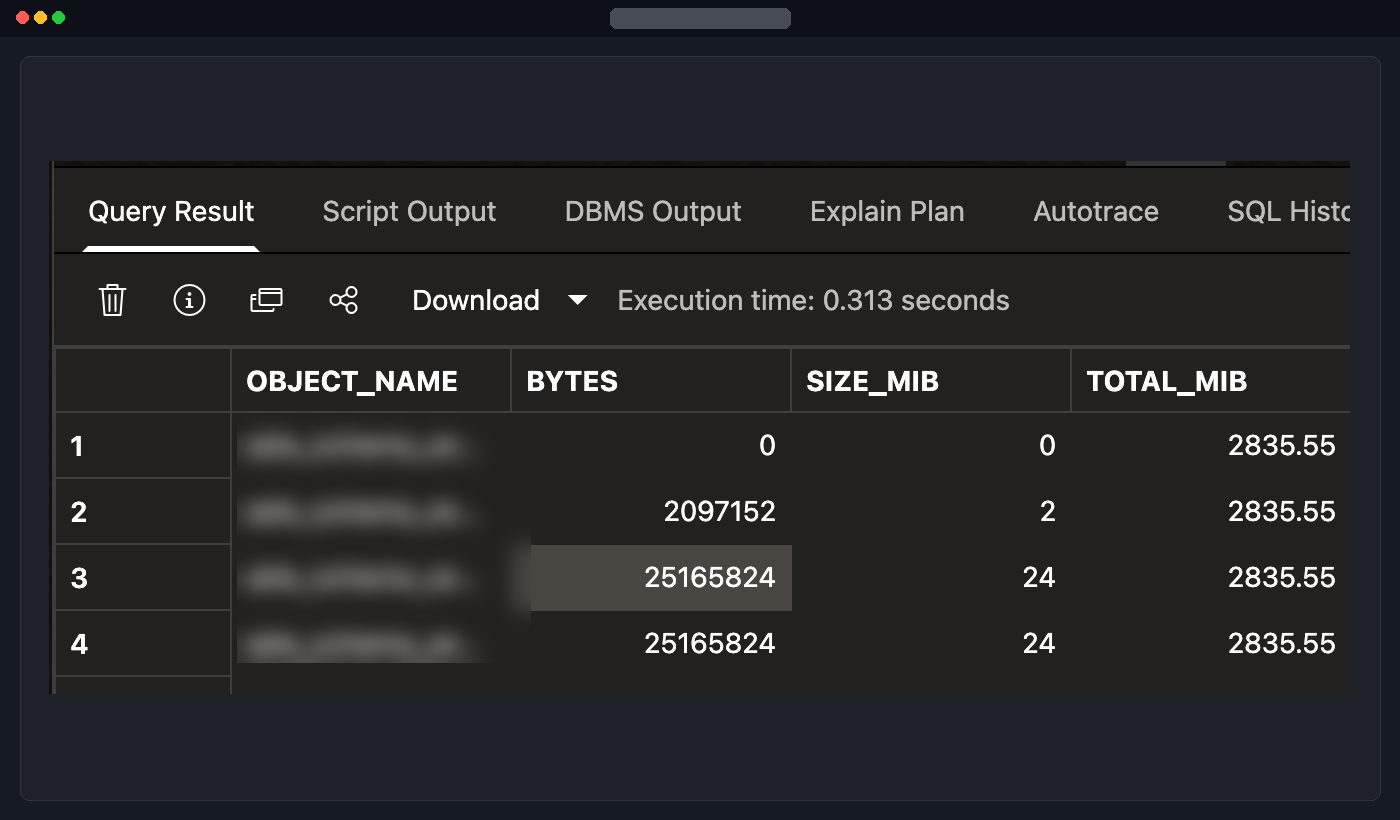
Check the job, objects and log
SELECT job_name, state, attached_sessions
FROM user_datapump_jobs
WHERE job_name = 'ADW_SCHEMA_EXPORT_02';

SELECT COUNT(*) AS object_count,
       SUM(bytes) AS total_bytes,
       ROUND(SUM(bytes) / POWER(1024, 2), 2) AS total_mib
FROM TABLE(DBMS_CLOUD.LIST_OBJECTS(
  'ADW_EXPORT_OBJSTORE', 'SOURCE_BUCKET_OBJECT_URI/'
))
WHERE REGEXP_LIKE(object_name, '^adw_schema_export_02[.]dmp');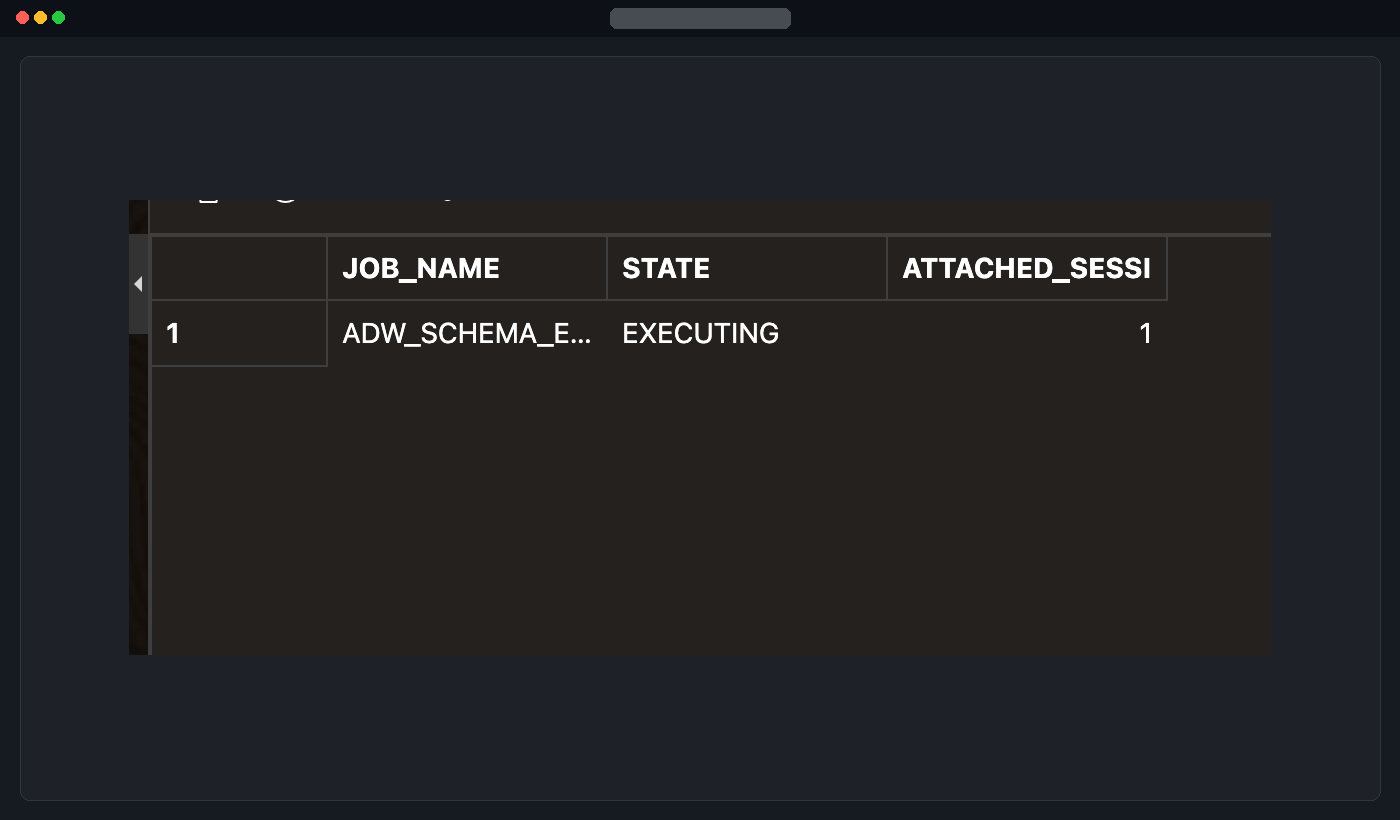
Read the log from the source database. In Database Actions, use Run Script for the whole block, including the final slash.
SET SERVEROUTPUT ON SIZE UNLIMITED

DECLARE
  l_file UTL_FILE.FILE_TYPE;
  l_line VARCHAR2(32767);
BEGIN
  l_file := UTL_FILE.FOPEN(
    'DATA_PUMP_DIR', 'adw_schema_export_02.log', 'r', 32767
  );
  LOOP
    BEGIN
      UTL_FILE.GET_LINE(l_file, l_line);
    EXCEPTION
      WHEN NO_DATA_FOUND THEN EXIT;
    END;
    DBMS_OUTPUT.PUT_LINE(l_line);
  END LOOP;
  UTL_FILE.FCLOSE(l_file);
END;
/
To preserve the original log file, copy it to the source bucket after the job finishes.
BEGIN
  DBMS_CLOUD.PUT_OBJECT(
    credential_name => 'ADW_EXPORT_OBJSTORE',
    object_uri      => 'SOURCE_BUCKET_OBJECT_URI/adw_schema_export_02.log',
    directory_name  => 'DATA_PUMP_DIR',
    file_name       => 'adw_schema_export_02.log'
  );
END;
/
Confirm the final Data Pump completion line in the log before using the dump for transfer.
Summary
I ran an explicit schema export, wrote the dump directly to the source bucket, and verified job state, bucket bytes and the local export log.
Part 1 - Prerequisites · Part 3 - Assemble and transfer the dump
Oracle documentation: Data Pump from PL/SQL · DBMS_DATAPUMP reference