With security lists and DRG next hops covered, this post batches VCN route rules that use Local Peering Gateways (LPGs). I use append_route_table_rules_csv.py from oci-csv-rule-tools-demo.zip and the demo template route_rules.csv.
This is Part 3 of 3. Previous: Batch-upload routes to an OCI VCN route table. Start: Batch-upload OCI security list rules from CSV.
Screenshots below are from the original run on my Mac. IPs, descriptions, OCIDs and AP labels are redacted for publication. Desktop captures are cropped to Termius or Excel (Mac dock and background apps removed). The topology diagram is a demo design illustration.
Prerequisites
- OCI CLI profile
DEMOwith rights to read LPGs, VCNs and route tables, and to update the hub shared-service route table - Python 3 with the OCI SDK
- The CSV rule tools demo ZIP unpacked
- Two spoke VCNs and one hub VCN with paired LPGs already created for a demo design (not a claim of a live demo tenancy run)
Demo design: two spokes to a hub shared service
The topology illustration is a demo design. Two spoke workload subnets reach a shared service in the hub over paired LPGs.
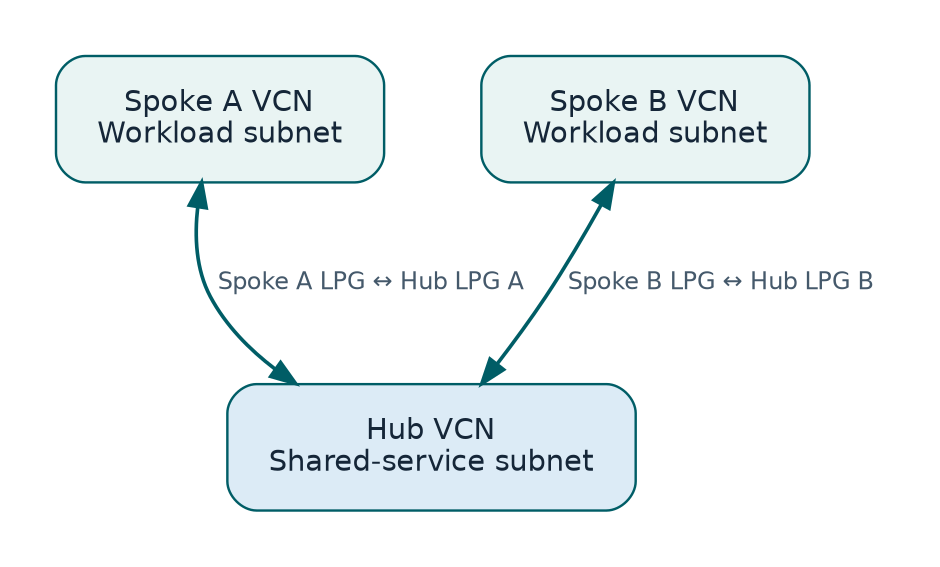
Demo design: Spoke A and Spoke B peer to the hub over separate LPG pairs.
Traffic path both ways:
Spoke workload to hub service: spoke route table sends <HUB_SERVICE_CIDR> to that spoke's LPG toward the hub.
Hub service reply to a spoke: hub shared-service route table sends <SPOKE_A_CIDR> or <SPOKE_B_CIDR> to the matching hub-side LPG.
| Route table | Destination | Next hop |
|---|---|---|
| Spoke A workload subnet route table | `<HUB_SERVICE_CIDR>` | Spoke A's LPG to the hub |
| Spoke B workload subnet route table | `<HUB_SERVICE_CIDR>` | Spoke B's LPG to the hub |
| Hub shared-service subnet route table | `<SPOKE_A_CIDR>` | Hub-side LPG paired with Spoke A |
| Hub shared-service subnet route table | `<SPOKE_B_CIDR>` | Hub-side LPG paired with Spoke B |
Oracle's hub VCN transit routing background is useful context: OCI hub VCN transit routing. This walkthrough stays on spoke-to-hub shared service access. It does not add spoke-to-spoke or on-premises transit unless that topology is designed and verified separately.
1. Confirm peering and associations before you edit routes
- Each spoke LPG is peered with the correct hub LPG.
- Workload and shared-service subnets use the route tables you plan to change.
- Spoke and hub CIDRs do not overlap.
- Security lists or NSGs on the path allow the service ports you will test.
lpg_ocid in the CSV identifies the next hop on the route table's own VCN. Hub return routes must use hub-side LPG OCIDs, not the spoke-side peers.
2. Batch the two hub-side return routes
The main batch example is the two hub return routes. Use the same hub route table placeholder in both rows and a different hub-side LPG for each spoke. Leave descriptions blank.
environment,route_table_ocid,destination,lpg_ocid,description
DEMO,<HUB_ROUTE_TABLE_OCID>,<SPOKE_A_CIDR>,<HUB_LPG_TO_SPOKE_A_OCID>,
DEMO,<HUB_ROUTE_TABLE_OCID>,<SPOKE_B_CIDR>,<HUB_LPG_TO_SPOKE_B_OCID>,
Spoke-side routes to <HUB_SERVICE_CIDR> follow the same CSV shape with each spoke's route table and spoke-side LPG. Apply those separately after the same preview discipline.
3. Preview, then apply
python3 append_route_table_rules_csv.py --profile DEMO --csv route_rules.csvExpected shape:
OCI CSV Route Table Rule Appender (LPG)
Mode: DRY RUN
Rows: 2
Route Table: <HUB_ROUTE_TABLE_OCID>
Backup written: backups/route_table_<suffix>.json
ADD route: <SPOKE_A_CIDR> -> LPG
ADD route: <SPOKE_B_CIDR> -> LPG
Payload: /tmp/oci-route-<id>.json
Payload written.
DRY RUN - OCI not updated.
Review the full combined route array against the backup. A dry run contacts OCI to read the resource and can write those files.
Only then:
python3 append_route_table_rules_csv.py --profile DEMO --csv route_rules.csv --apply
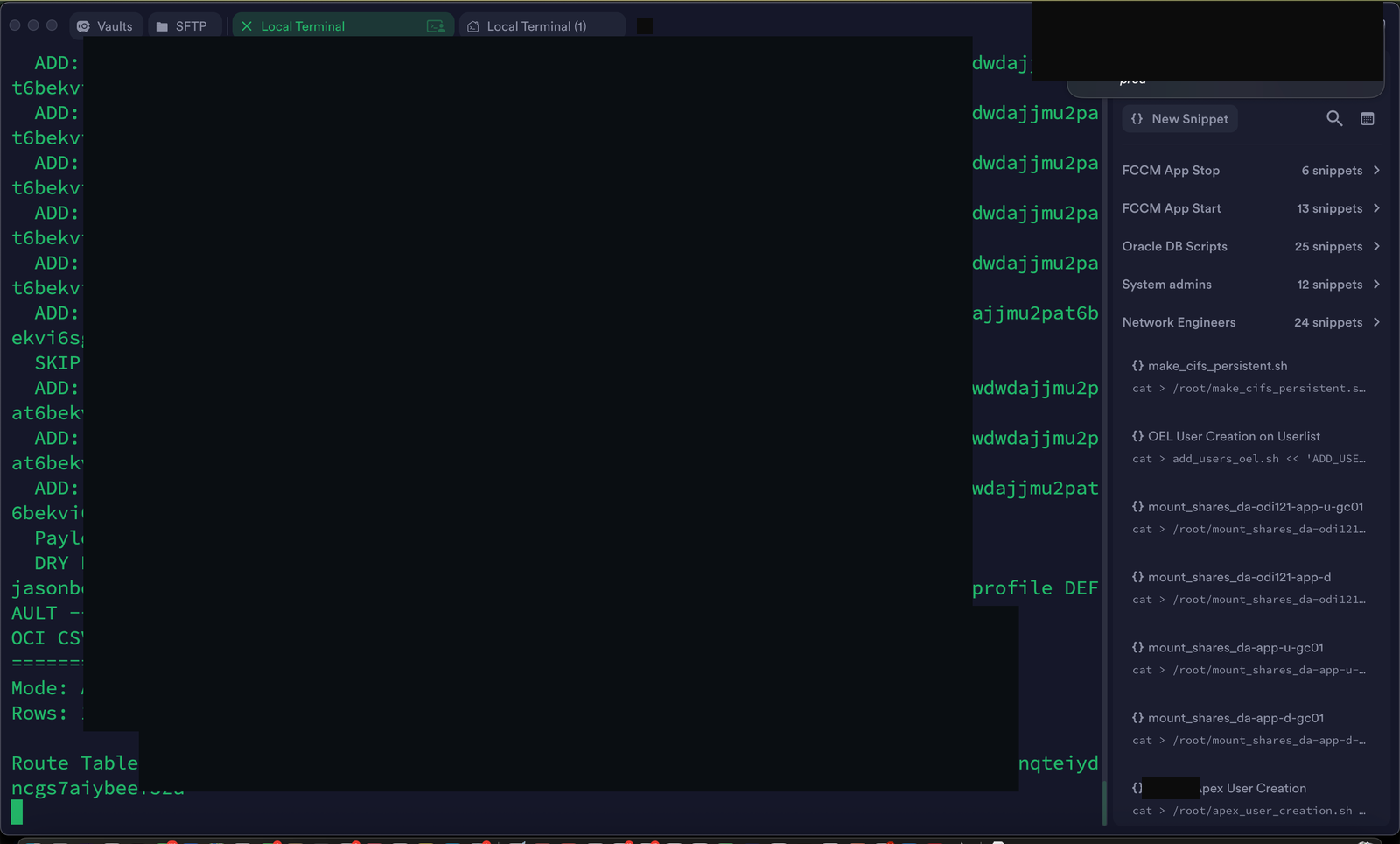
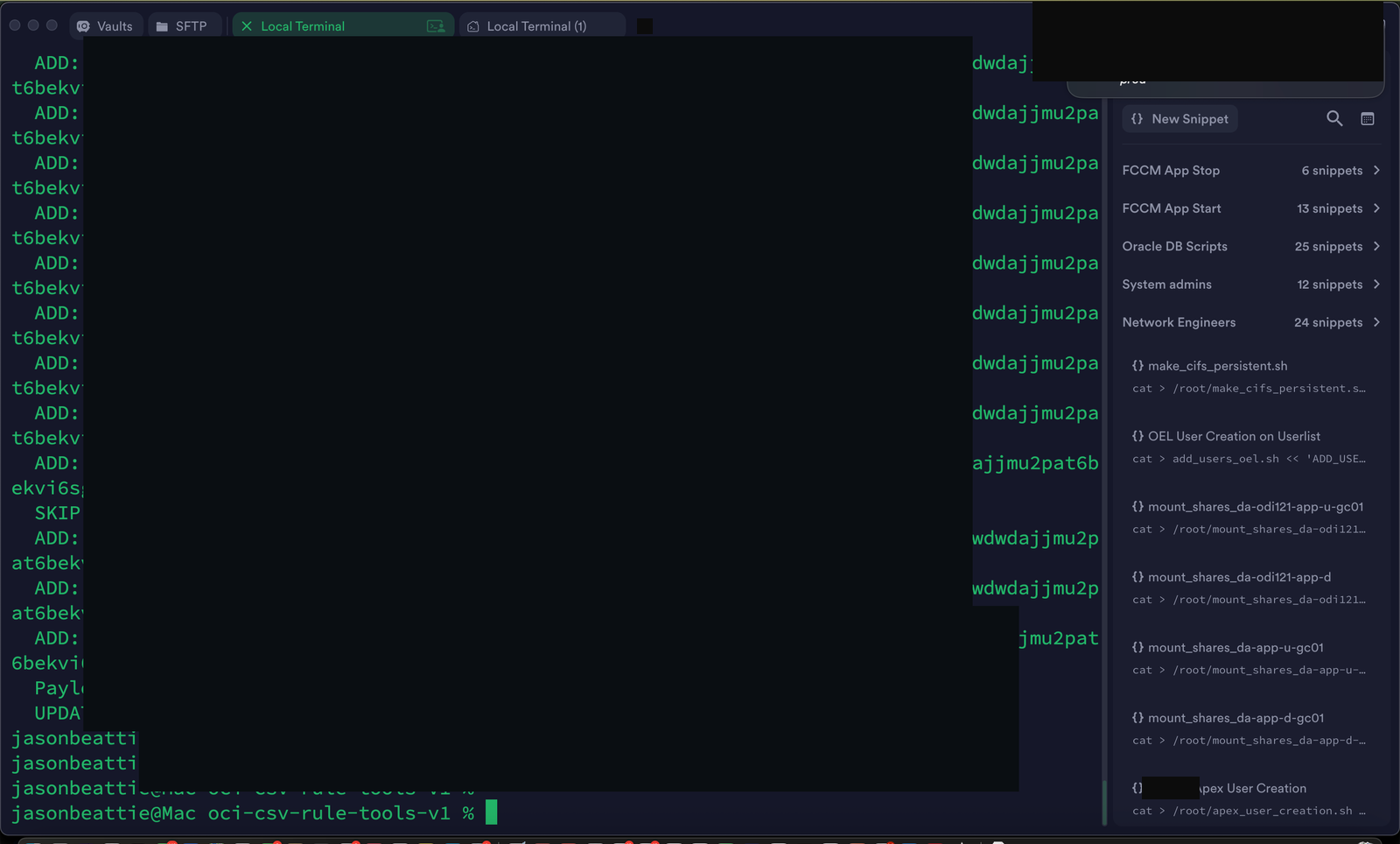
Redacted crop from the original run: evidence of a route update. Connectivity was verified separately.
Updates send the full rule array for each route table. Avoid concurrent edits and check which resources were updated before retrying a partial batch.
4. Verify connectivity
- From a host in Spoke A, reach the hub shared service in
<HUB_SERVICE_CIDR>. - Repeat from Spoke B.
- If the design requires spoke isolation, confirm that Spoke A cannot reach Spoke B directly through this path.
- Re-read the hub route table and confirm both return CIDRs point at the intended hub LPGs.
Summary
I used a hub-and-spoke LPG demo design, confirmed peering and non-overlapping CIDRs, batched the two hub-side return routes with append_route_table_rules_csv.py, previewed the full route array, applied with --apply, and treated the update screenshot as route-update evidence while testing reachability separately.
Download: oci-csv-rule-tools-demo.zip.
Series: Part 1 - Security lists · Part 2 - DRG route tables.
Keep filled CSVs, backups and payloads private. Use only the demo templates and redacted images in the published series.